Knowledge Locker / Community

COMPR3SS

Questions, tips, and conversations.

bmicallef0 responses

COMPR3SS is now available on the Mac App Store

Knowledge Locker is pleased to announce the release of COMPR3SS, a native Mac utility for making files smaller and reclaiming storage space.

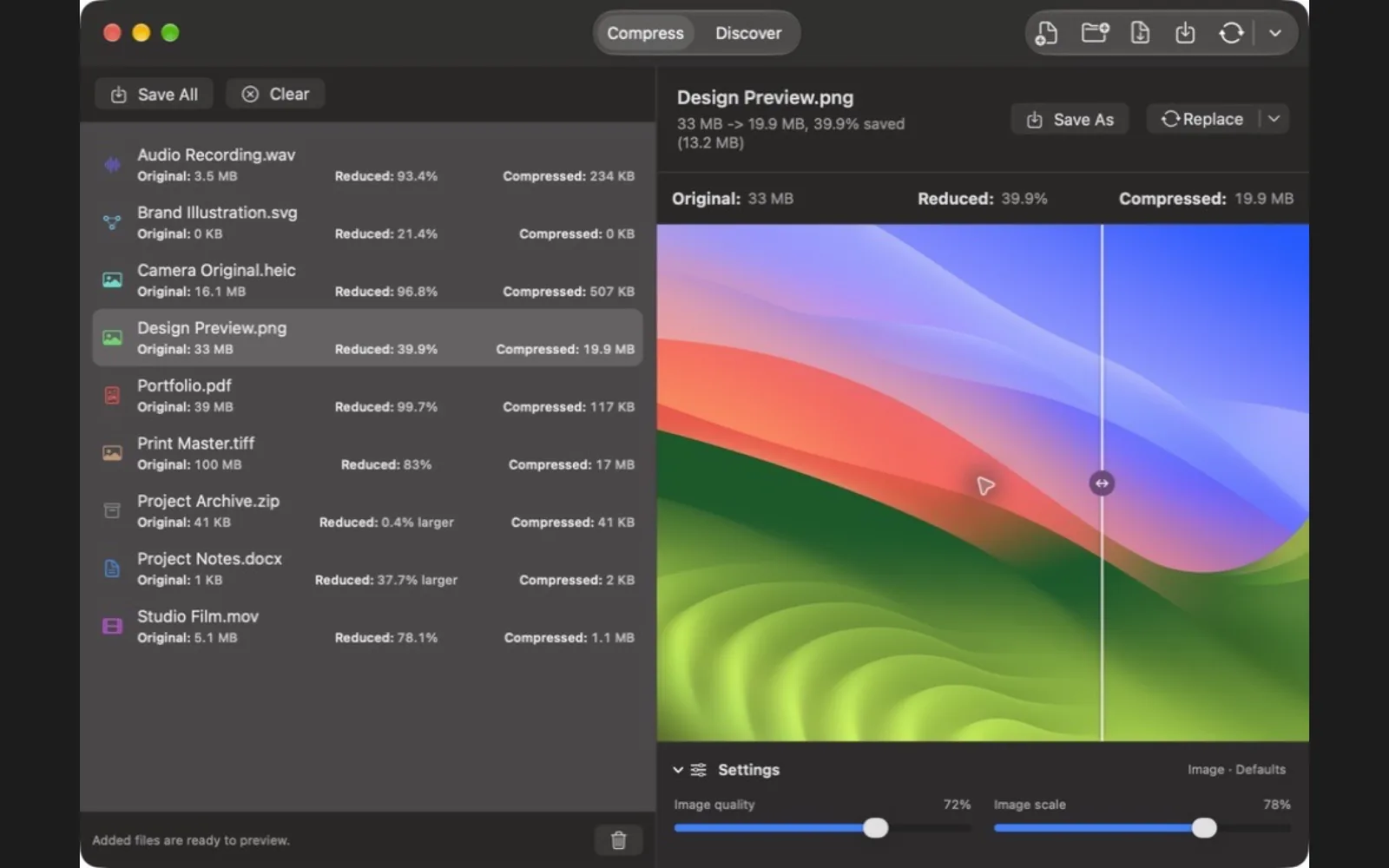
COMPR3SS brings PDFs, images, video, audio, Office documents, iWork files, SVGs, and ZIP archives into one focused workspace. Add individual files or entire folders, preview compressed results, compare sizes, and decide exactly what to save.
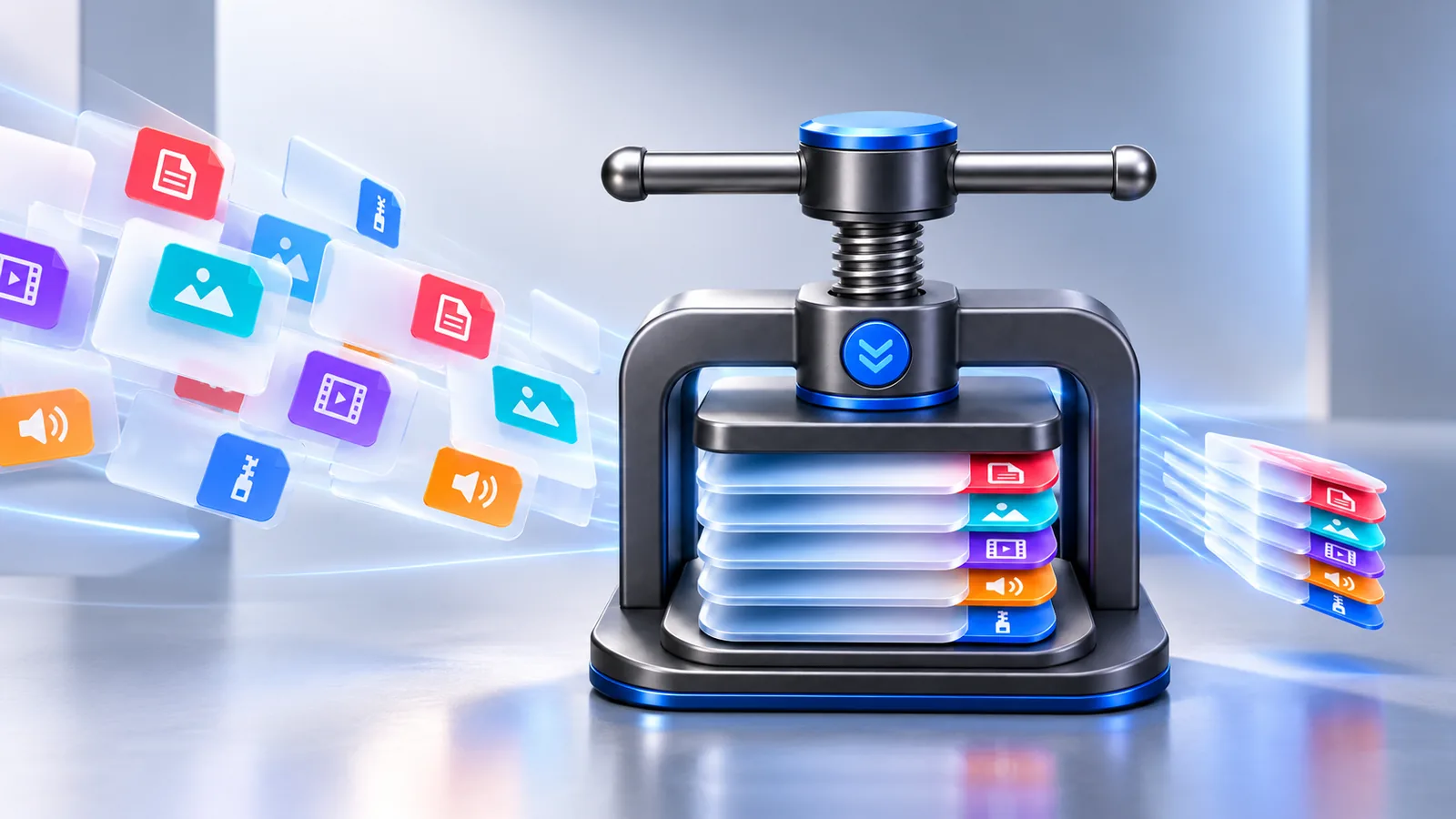
COMPR3SS is now available on the Mac App Store

Highlights include:

  • Batch compression for mixed file types
  • Original and compressed image comparison
  • Adjustable quality and scaling controls
  • Office document cleanup
  • Spotlight-powered discovery of large supported files
  • Finder integration and native macOS previews
  • Local processing that keeps selected files on the Mac

Compression results depend on the contents and format of each file, so COMPR3SS shows the result before saving and leaves the final decision with the user.

COMPR3SS is available now for macOS through the Mac App Store.
Explore COMPR3SS
View COMPR3SS on the Mac App Store

Open discussion →
bmicallef0 responses

COMPR3SS has been submitted to the App Store for review!

COMPR3SS is my 100% Swift-coded solution for general file compression, and I can't wait to get this app into everyone's hands.

Whether you're trying to send large files via email, or simply trying to free up a little more space on your drive, COMPR3SS was designed to support a broad set of common file formats (images, office documents, videos, and more) and is incredibly easy to use.

COMPR3SS has been submitted to the App Store for review!

Simply drag the files or folder of files you want to compress, and COMPR3SS automatically gets to work, giving you the option to compare the original and new file side by side, as well as to save a new file or simply replace the existing one.

COMPR3SS can also be automatically summoned by selecting a folder or multiple files and simply right-clicking to access the "COMPR3SS it!" option from your Finder actions menu.

COMPR3SS will be available for free download with two (2) in-app purchase options:

  • Download for free, and compress one file of each supported type to verify COMPR3SS will work for you!
  • Pay $1.99 monthly subscription for unlimited files and file types, cancel or restart any time.
  • Pay $19.99 one-time fee for unlimited files and file types using this major release version.

Visit the COMPR3SS product page to learn more.

Open discussion →

Sign in to start a discussion.